
Download MQKit
Free, no account, no ads in the app. It installs in seconds, for your user only.
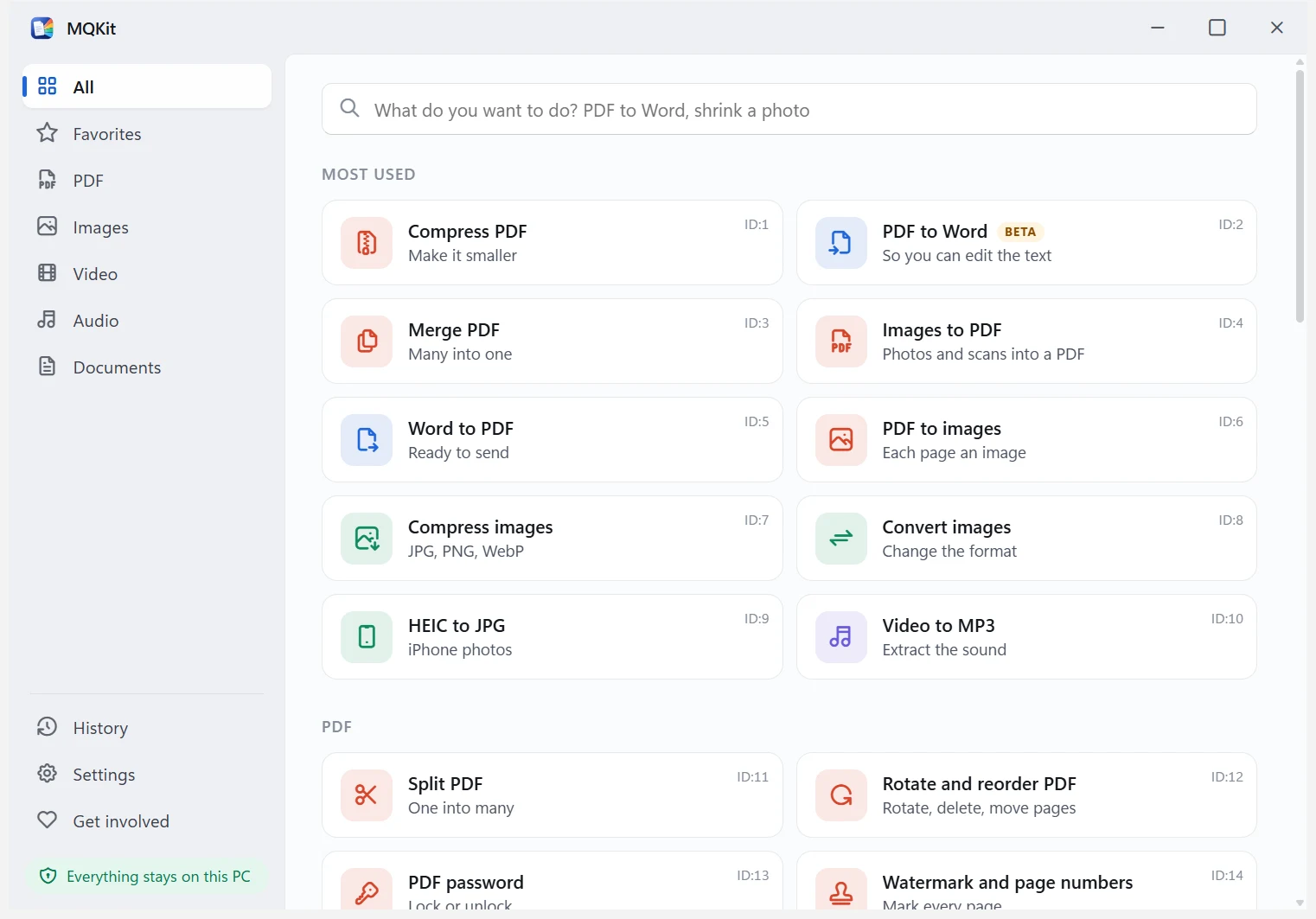
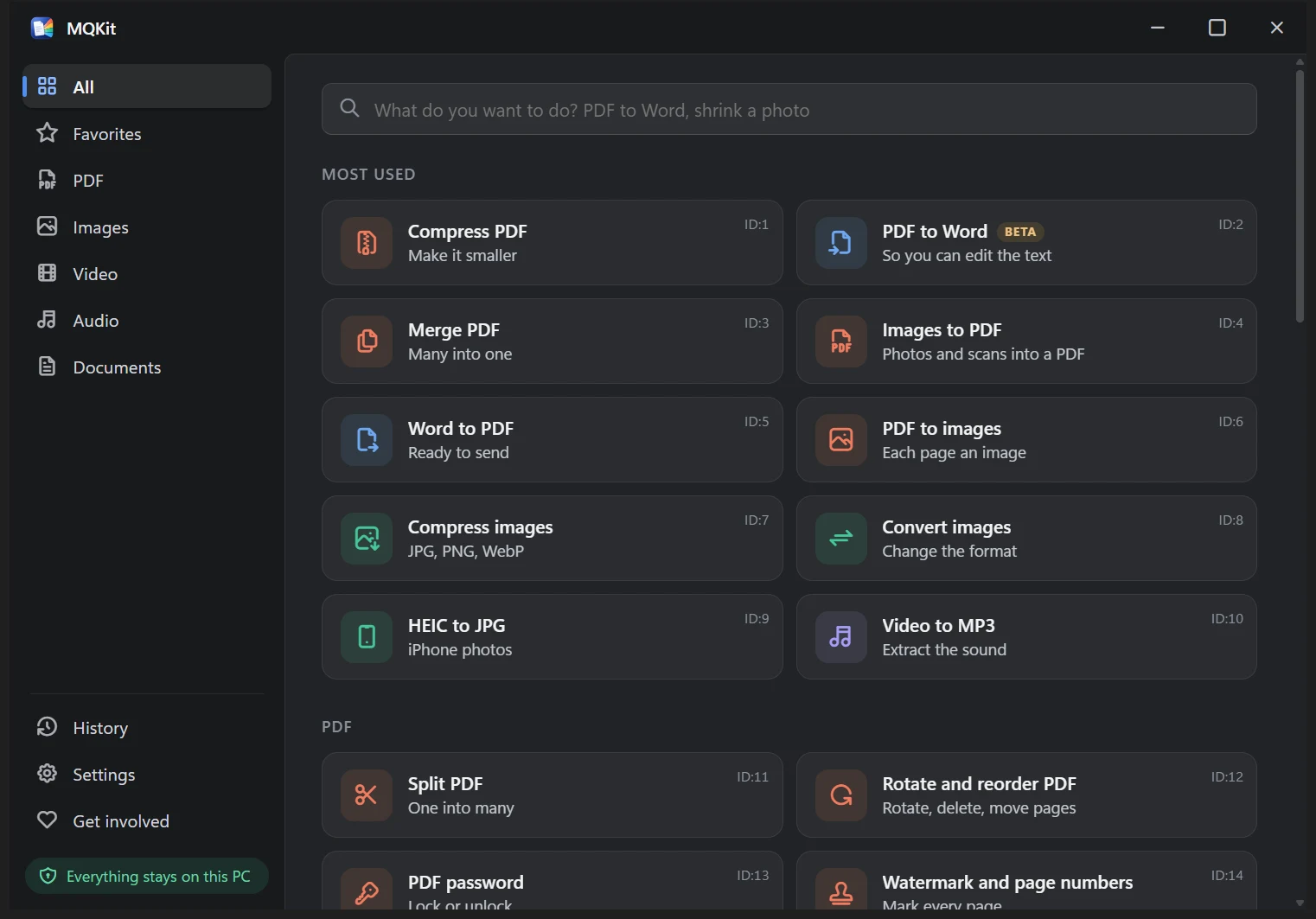
Installer
- Version
- 1.2.0 · 2026-11-18
- File
- MQKit-setup-1.2.0.exe
- Size
- 15 MB
- Needs
- Windows 10 or 11, 64-bit. No admin rights.
- Signed by
- Software Hive S.R.L.
- SHA-256
- 09a80c9f880e472833aa14be0a702b4556f9b553d0f2975a252a3feaa37fab54
What's in version 1.2.0
Nine new tools: fill and sign PDFs, QR codes with your logo, vocal remover, object eraser and more.
- Fill and sign PDF: form fields, a signature drawn, typed or from a photo, text, ticks and dates on the page
- Redact PDF: names, e-mails, phone numbers, IBANs and ID numbers removed from the file, not just covered
- QR codes: rounded or dot styles, gradients, your logo in the middle, each code checked before it is saved
- Erase objects from photos: paint over a passer-by or a wire and AI fills the place in, on your PC
- Vocals and instrumental: karaoke tracks or vocals alone, with AI on your PC
- Tempo and key: BPM, key and Camelot code for your songs, written as tags DJ programs read
- Crop video for TikTok, Reels, Shorts and Instagram, with a blurred background if you want; speed and sound too
- Voice recorder: record in the app, with noise reduction and an even volume
- Animation from pictures (GIF, WebP, MP4) and smaller GIFs
- Updates install over the older version without asking to uninstall it first
Good to know
- Where it goes
%LOCALAPPDATA%\MQKit, for your user. System files are not touched.- Explorer menu
- An MQKit submenu when you right-click files (on Windows 11, under Show more options). It can be turned off in Settings.
- Extra engines
- FFmpeg, LibreOffice and pdf2docx are downloaded once, the first time a tool needs them, after you agree. Each is checked with SHA-256.
- Updates
- The app never updates itself. Once a day it checks for a new version and shows a note. Only the version number is sent.
- Removing it
- Windows Settings, Apps, MQKit, Uninstall. The Explorer menu goes with it.