
Nothing is uploaded
Files are converted where they are. Contracts, IDs and family photos never pass through anyone's server.
PDF to Word, smaller PDFs, iPhone photos to JPG, video to MP3, and more. Your files are never uploaded, so there is no size limit, no queue and nothing to sign up for.
No website to upload to, no account, no watermark. The app does the work on your computer, and it's free.
Files are converted where they are. Contracts, IDs and family photos never pass through anyone's server.
Select files, right-click, pick a tool. Results land next to the originals, which are never changed.
Pick what the file is for and the app sets the rest. You see the result size before you start.
Every one works on your PC, offline, and is free.
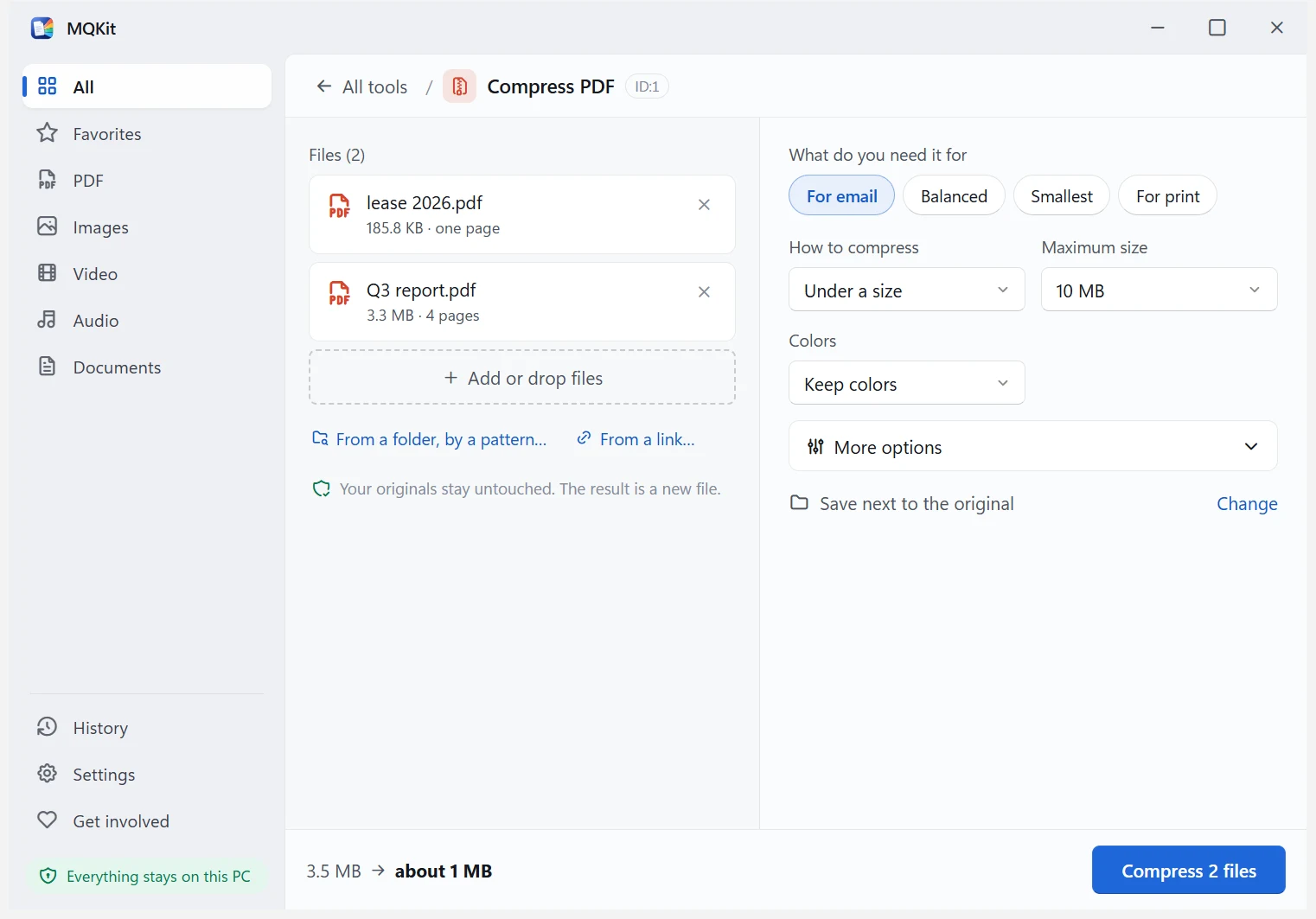
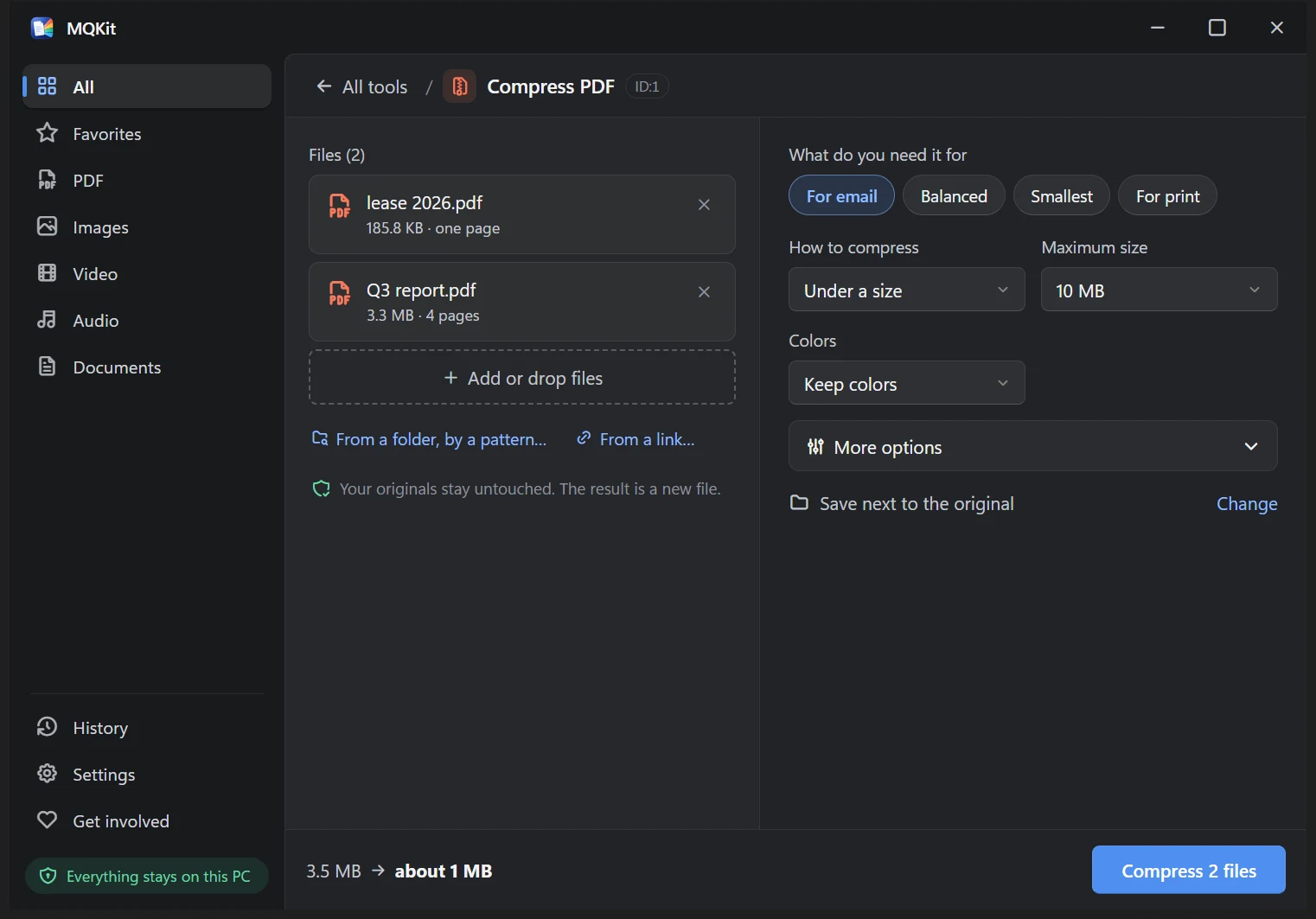
Each tool opens with a preset that fits most people. The rest is explained without jargon.
Almost nothing, and never your files. Privacy details
| Your files | Nothing. Every conversion runs on your PC. |
|---|---|
| Update check | Once a day, the version number only. You can turn it off. |
| Extra engines | FFmpeg, LibreOffice or pdf2docx come from their official sources the first time a tool needs one, after you click. |
| Tracking | None. No analytics in the app, no cookies on this site. |
Yes. There's no paid version, no trial, no watermark, no limit on files or pages, and no account. The app shows no ads.
No. Every conversion runs on your computer. The app doesn't even need the internet, apart from downloading a few large programs once, the first time a tool needs them, and only when you click to allow it.
No, only on Windows 10 and 11, 64-bit.
The installer and every program in it are digitally signed by Software Hive S.R.L. You can check the file against the SHA-256 on the download page, and the source code is public.
No. If you have Word, PDF to Word and Word to PDF use it, because it gives the best result. Without it, the app downloads LibreOffice or pdf2docx once, both free.